Download Reports
The Download Reports page provides visibility into application download activity within Testing Distribution. It helps organizations track which app versions have been downloaded, when the downloads occurred, and which devices and operating system versions were used.
To open the Download Reports page, go to Testing Distribution > Download report in the left sidebar.
Overview
The Download Reports page lists download events for applications distributed through the Testing Portal.
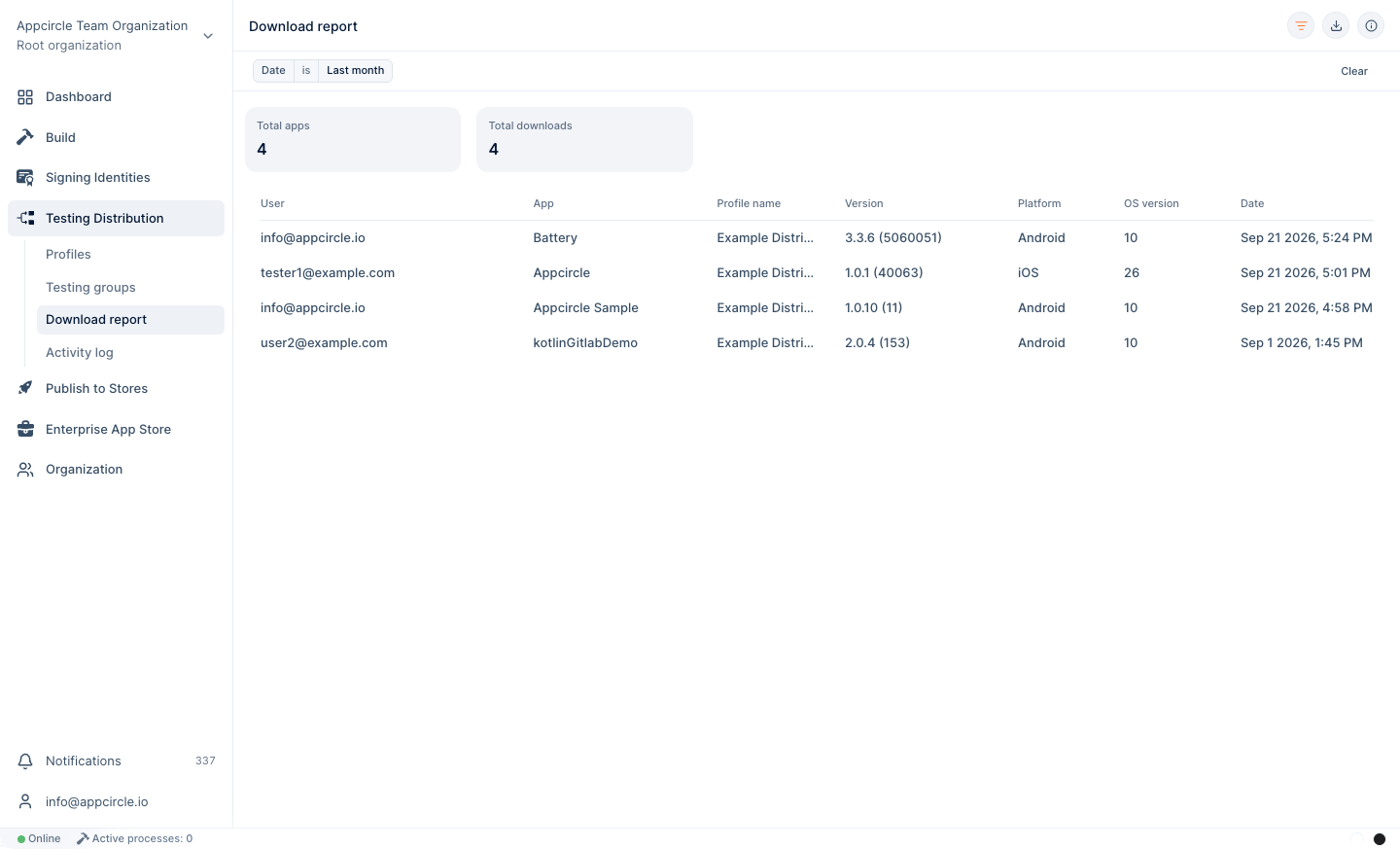
Each record includes:
- User
- App name
- Distribution profile name
- App version
- Device platform
- Operating system version
- Download date and time
The summary section at the top of the page displays:
- Total Apps: The number of unique applications downloaded during the selected period.
- Total Downloads: The total number of download events recorded during the selected period.
The date and time are displayed in the current timezone.
Filtering Reports
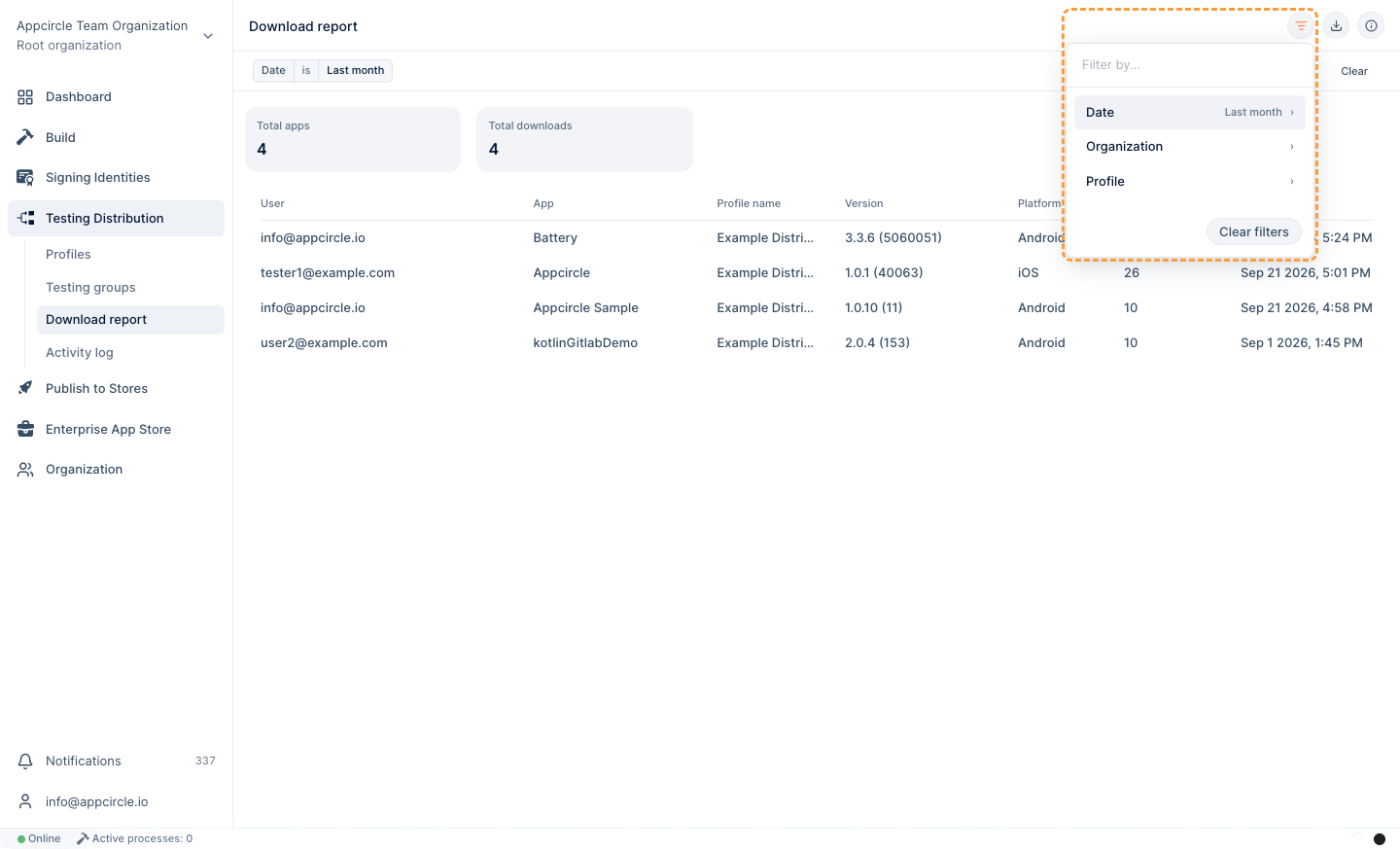
Download records can be filtered by date range to help you analyze download activity for a specific period.
The report is automatically updated when filters are applied.
When an application is downloaded through an email invitation, the user information is associated with the recipient and displayed in the User column.
If the application is downloaded using a Public Link, the downloader cannot be identified individually. In such cases, the User column displays: N/A
This report page supports CSV export. Click the Export button in the top-right corner of the screen to download the data.