Build Profile Branch Operations
When you connect to a repository, all branches of that repository will be displayed with the last 100 commits. Appcircle provides a number of features for easy management of branches.
Finding a Specific Branch
To find a specific branch, just start typing in the name in the branch search bar and the branches that include the phrase will be filtered as you type.
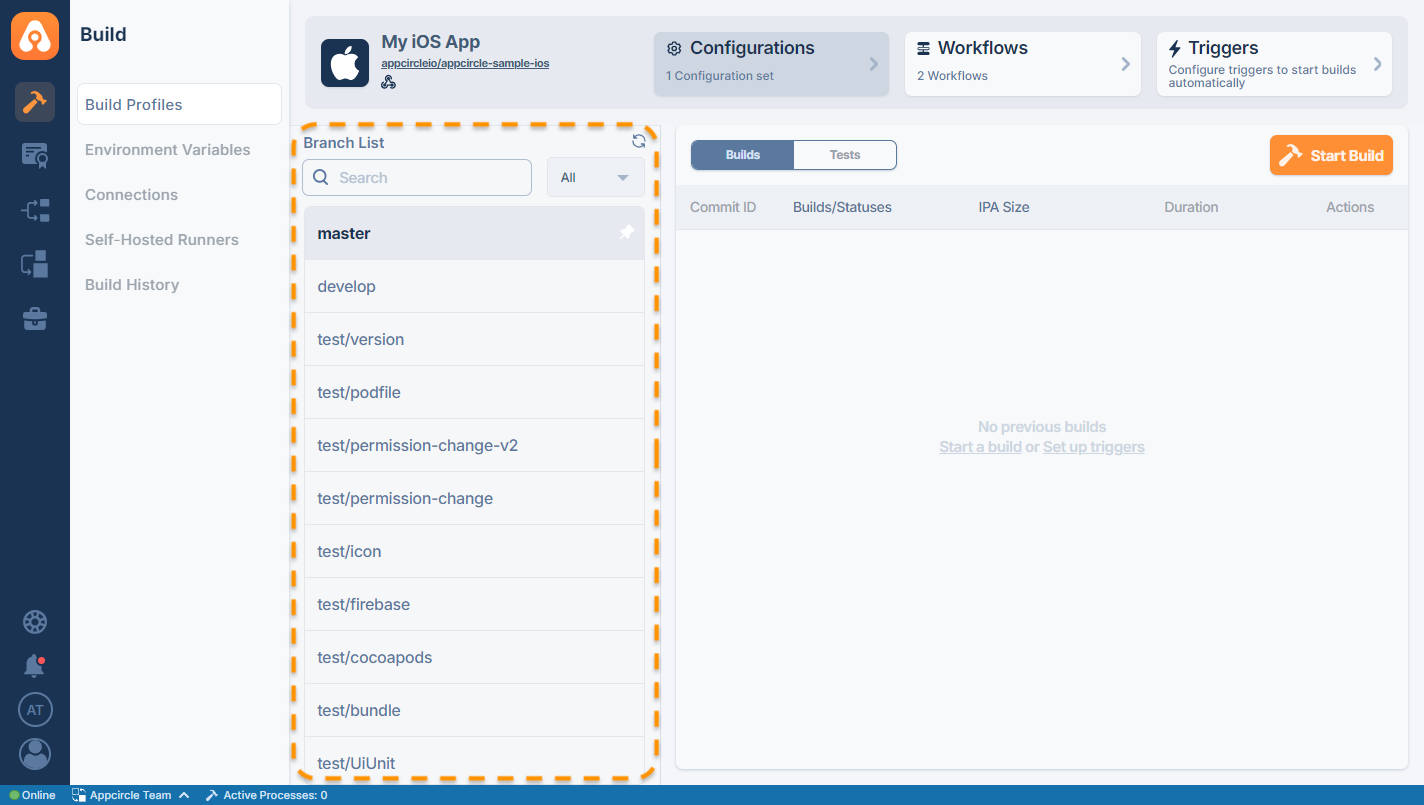
Filtering Branches
You can filter the available branch list by build statuses. Once you select a build status from the filter list, the relevant branches will be displayed accordingly.
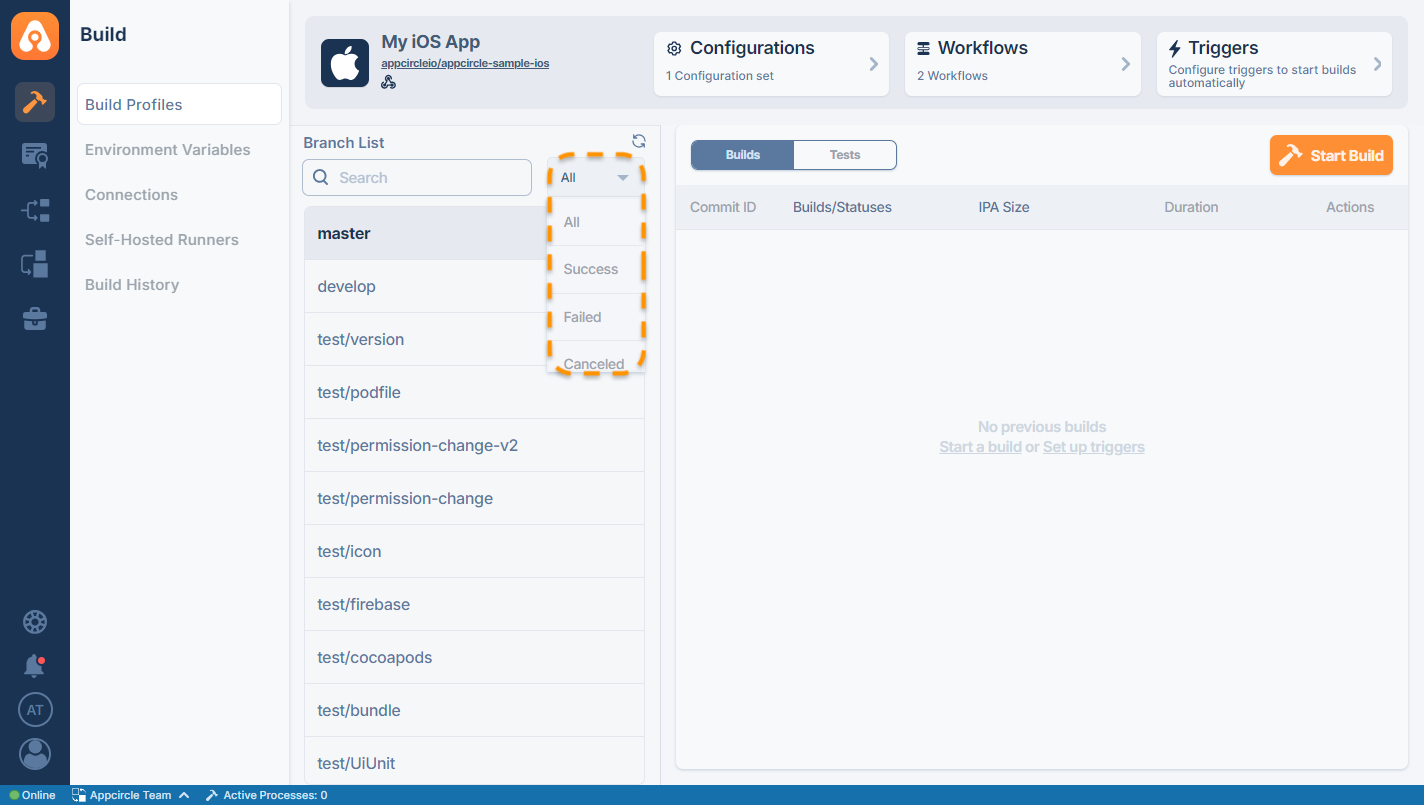
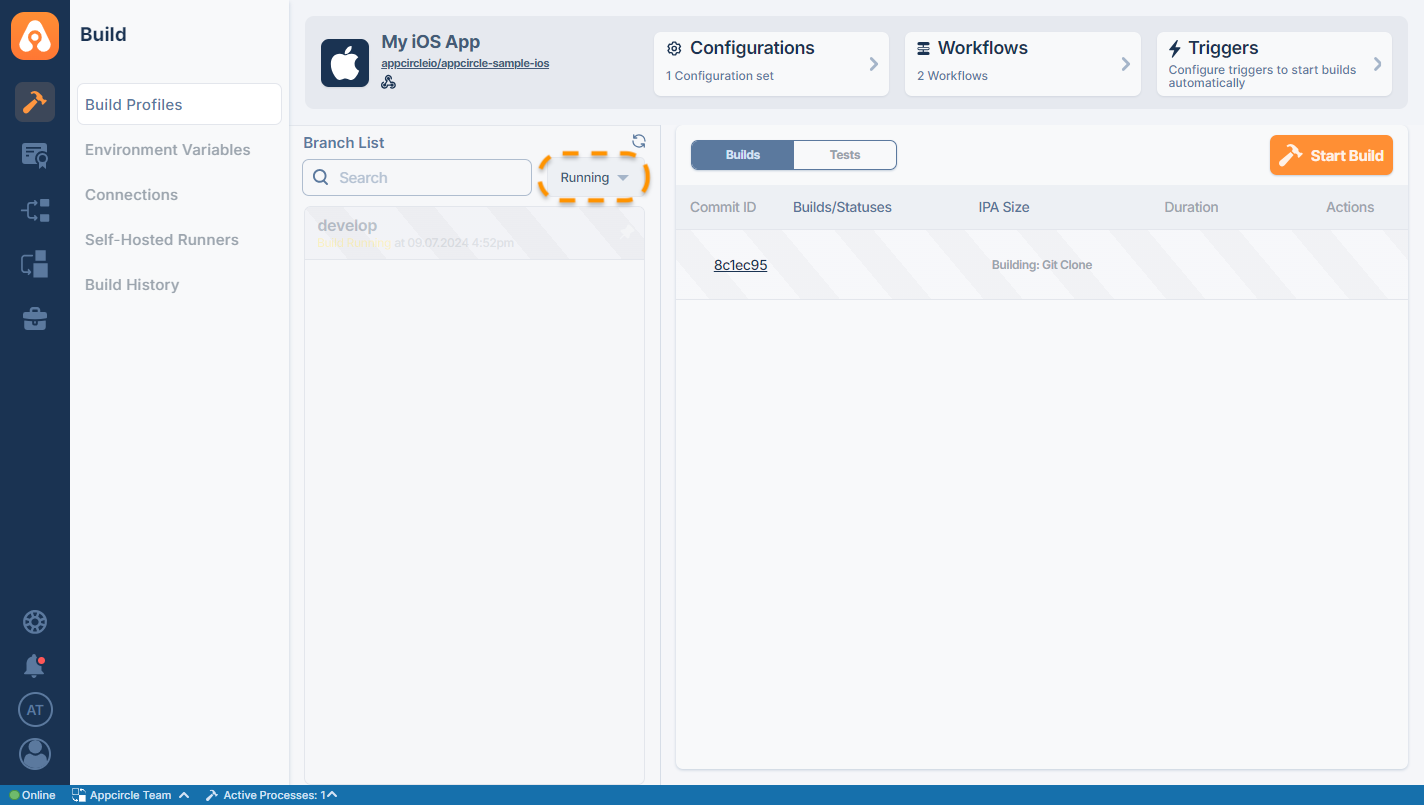
The available filter options are:
- All
- Success
- Failed
- Canceled
- Running
- Timeout
Pinning Branches to the Top for Faster Access
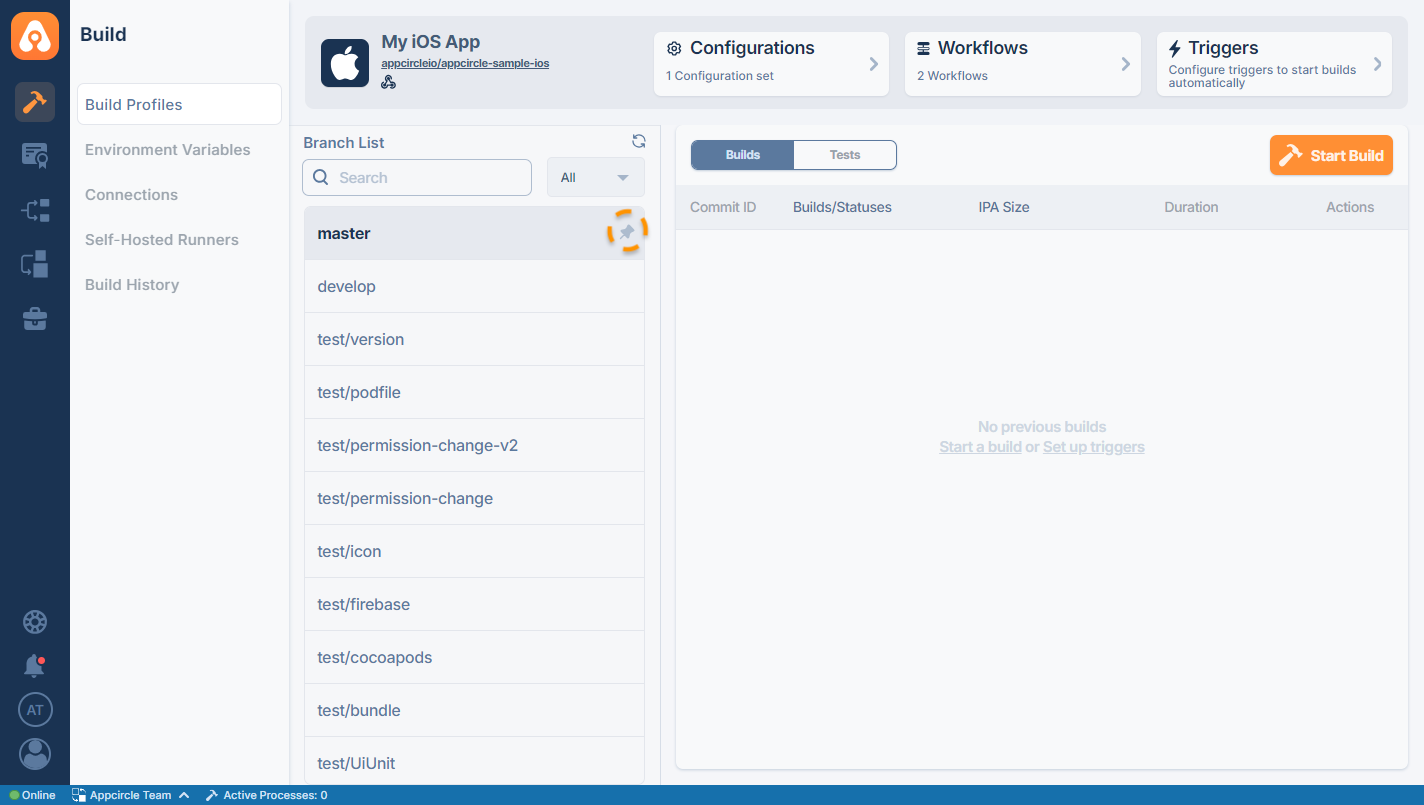
If you are using a branch frequently, such as develop or master, you can pin it to the top. To pin a branch, click on the pin icon next to the branch name.
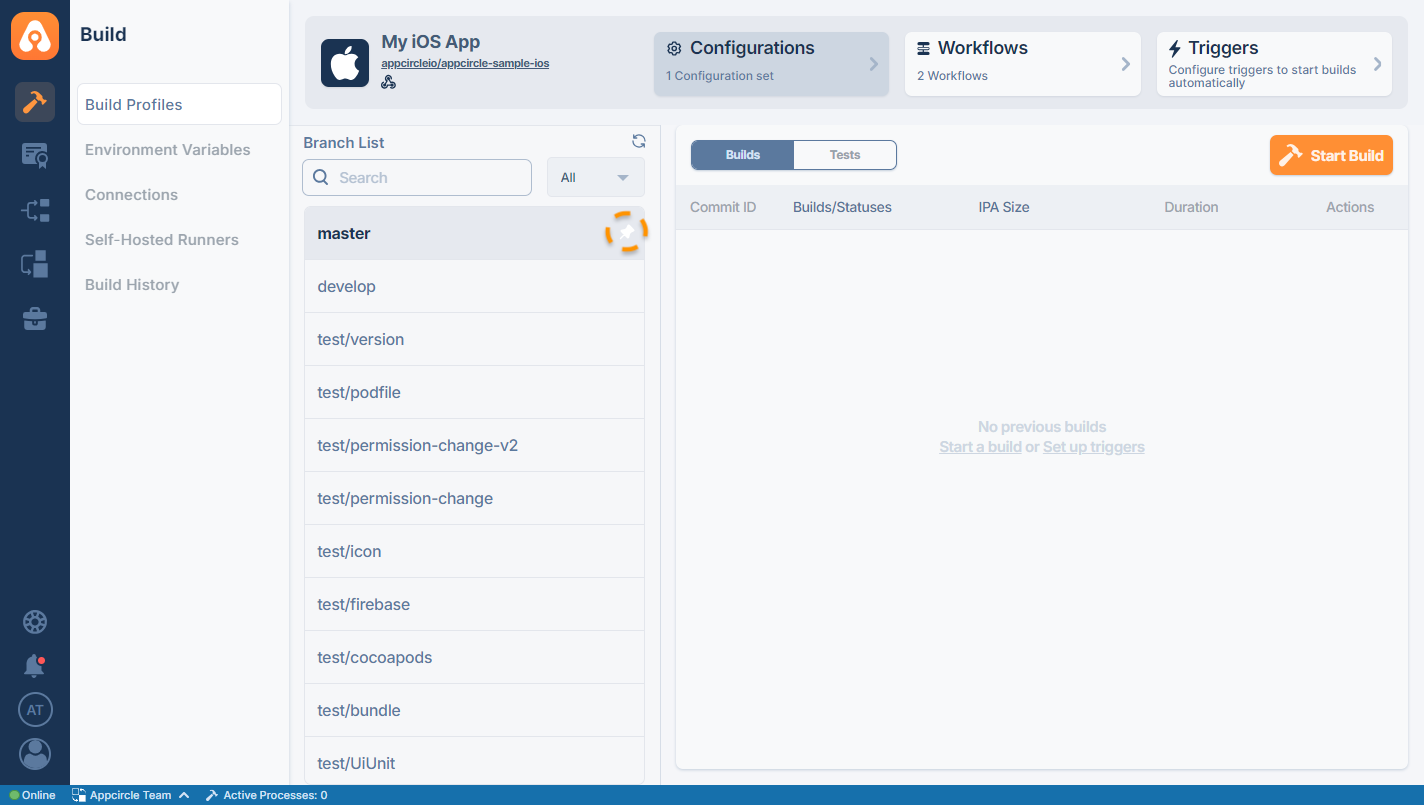
The branch will be moved to the top with a pinned indicator. You can unpin the branch by pressing the pin button again.
Manually Fetching Branch and Commits
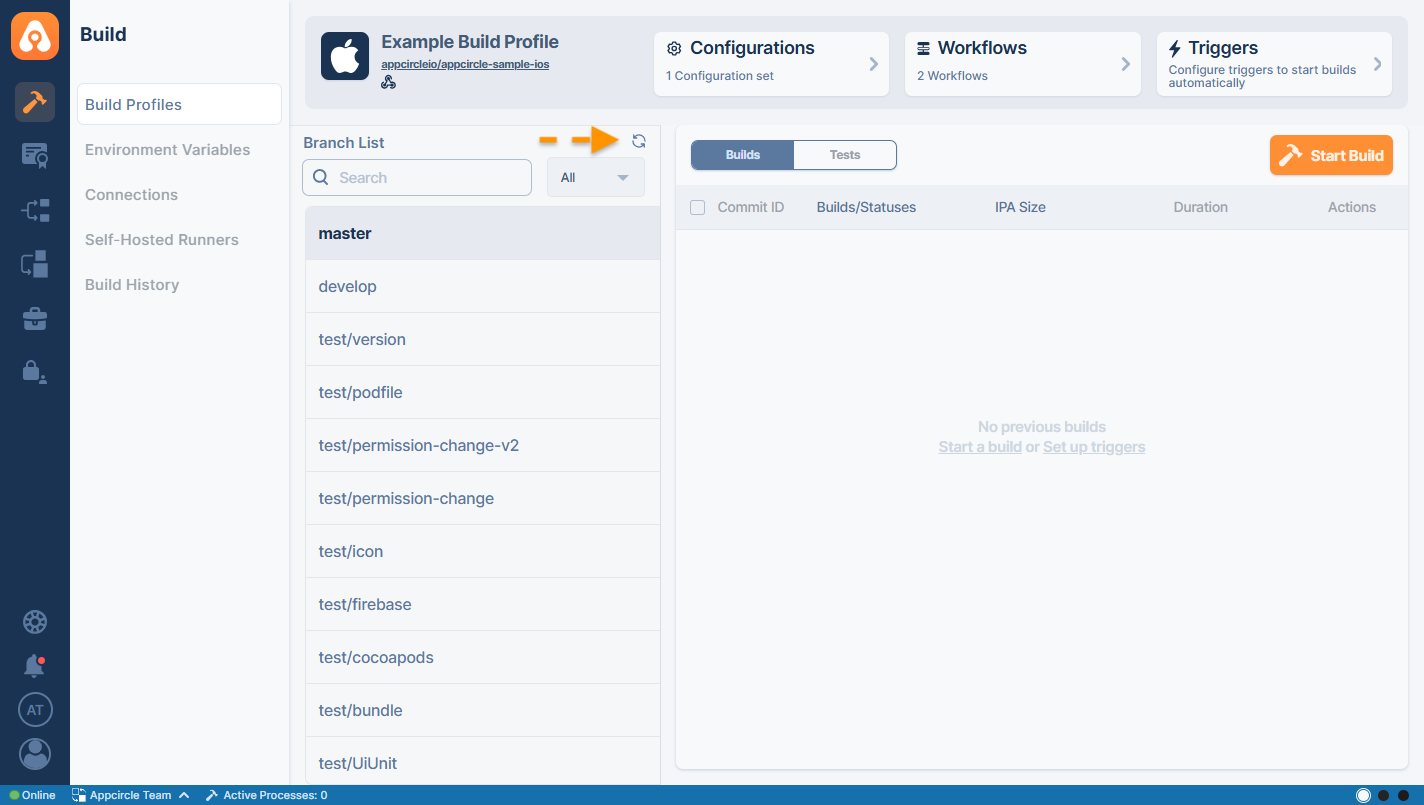
By clicking the refresh button next to the Branch List title, you can manually start a fetching process that will update your commits and branches from the remote repository.
Need help?
Get help from Appcircle's support team, or see how others are using Appcircle by joining our Slack Channel.
