Delete Account
Accounts can only be deleted by the owner.
- Please log in to your account, select your email address at the bottom of the left sidebar, and choose My account.
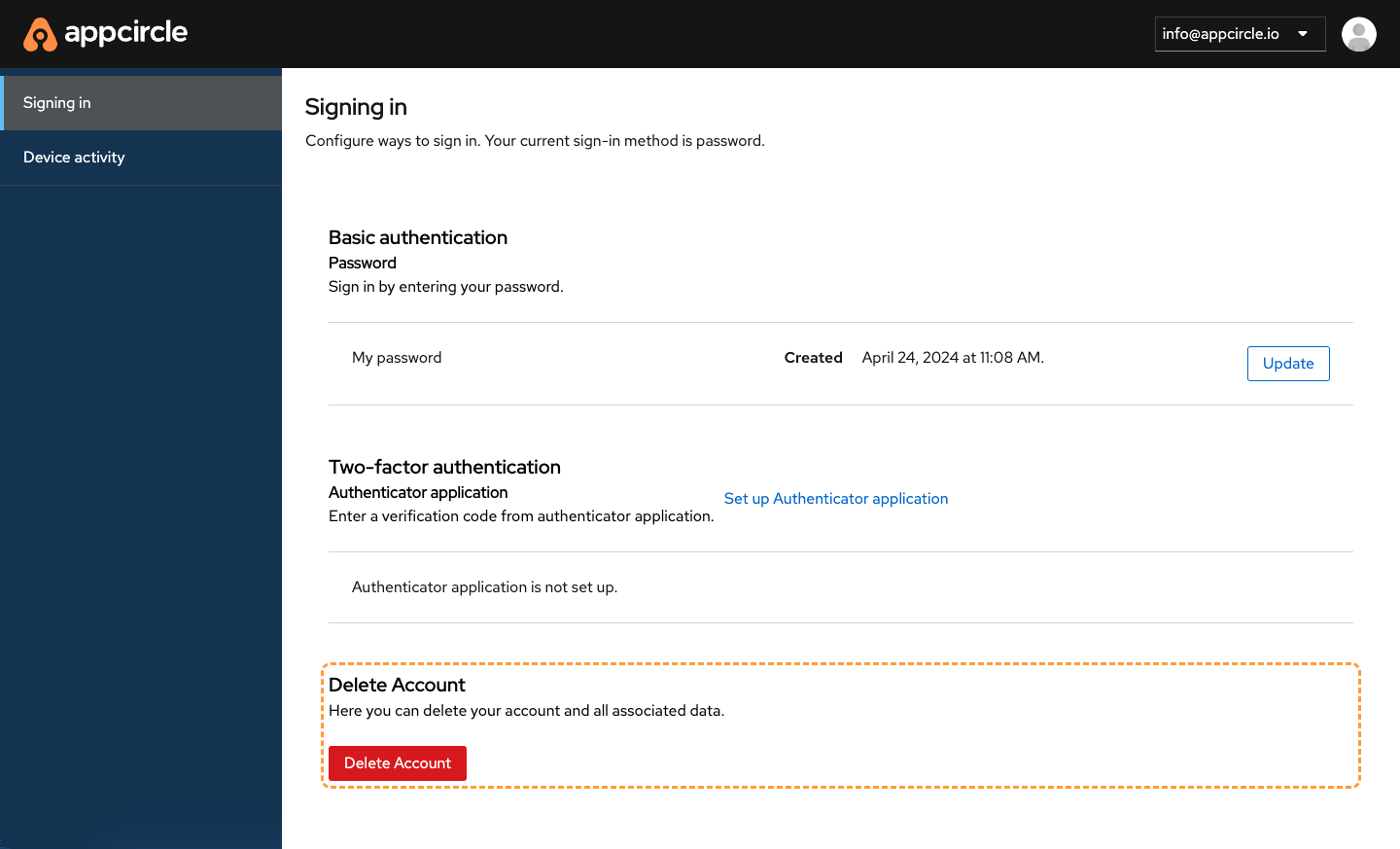
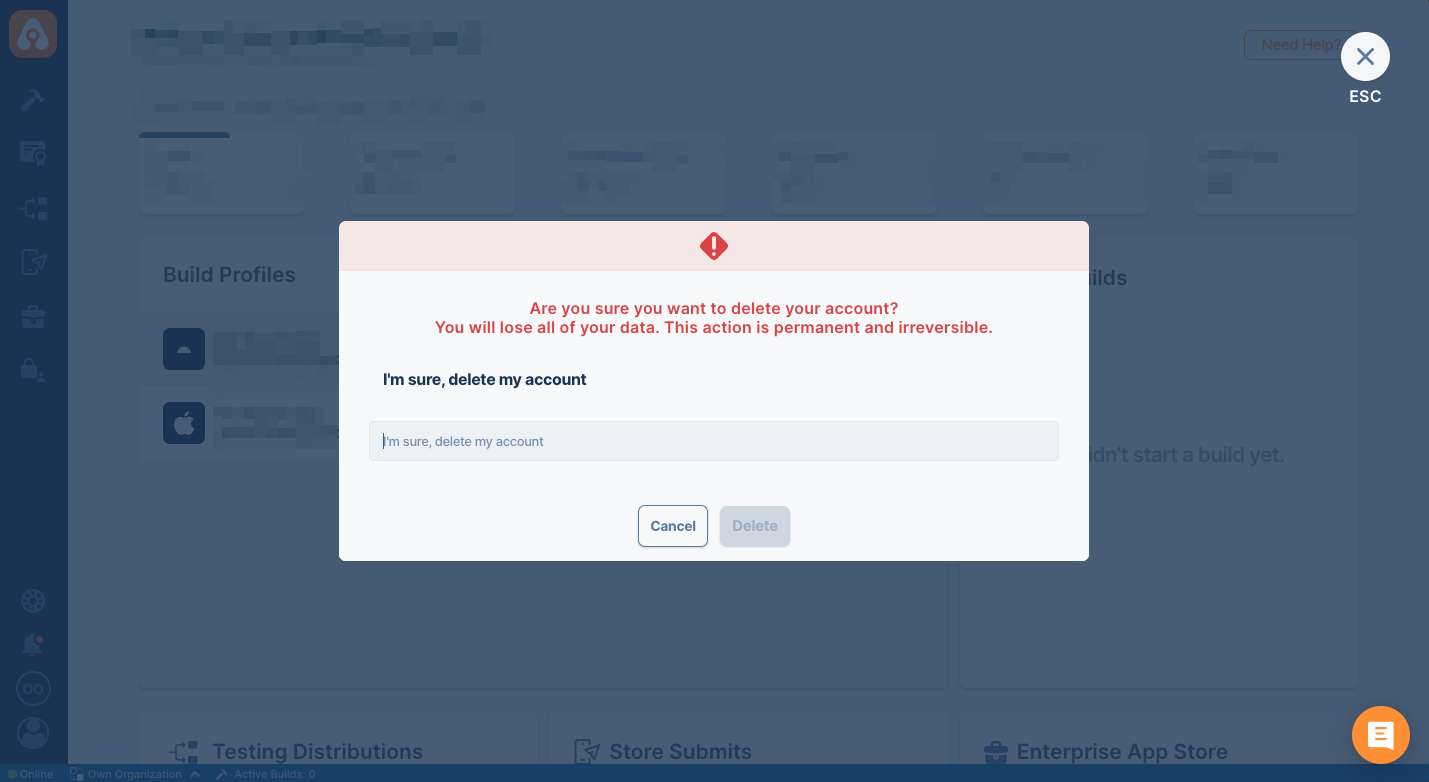
- Click Delete Account link and confirm the dialog.
FAQ
Why am I seeing 'Account is disabled, please contact your administrator' error in Appcircle, how to fix this error?
If an account is deleted in Appcircle, it is first deactivated for 24 hours. After this period, the account will be permanently deleted.
During this time, if you try to re-invite the user to an organization or if the user attempts to log in again, they will see the following error message: "Account is disabled, please contact your administrator." To restore access with the same email, please wait 24 hours before re-inviting them.