Enterprise Portal Reports
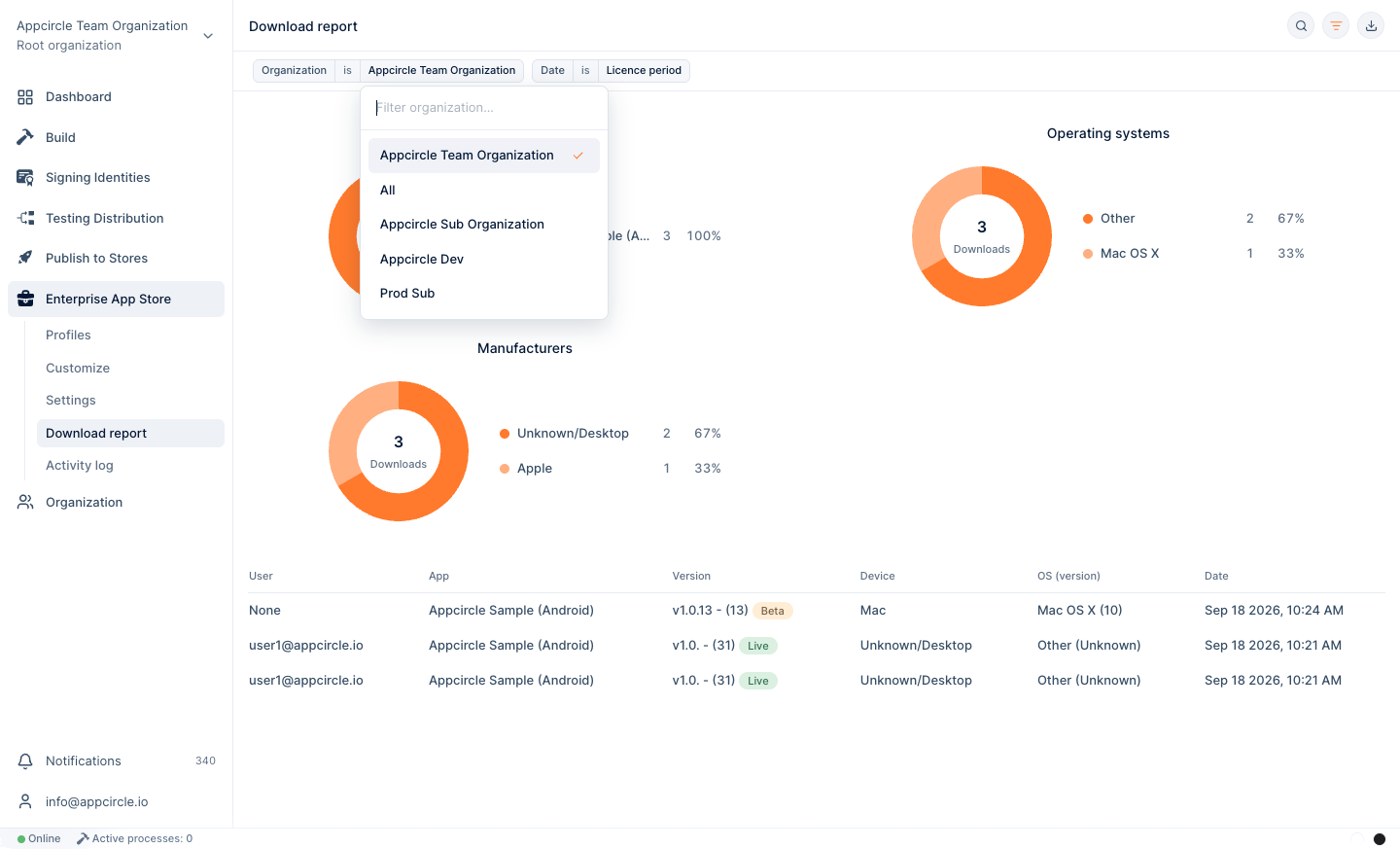
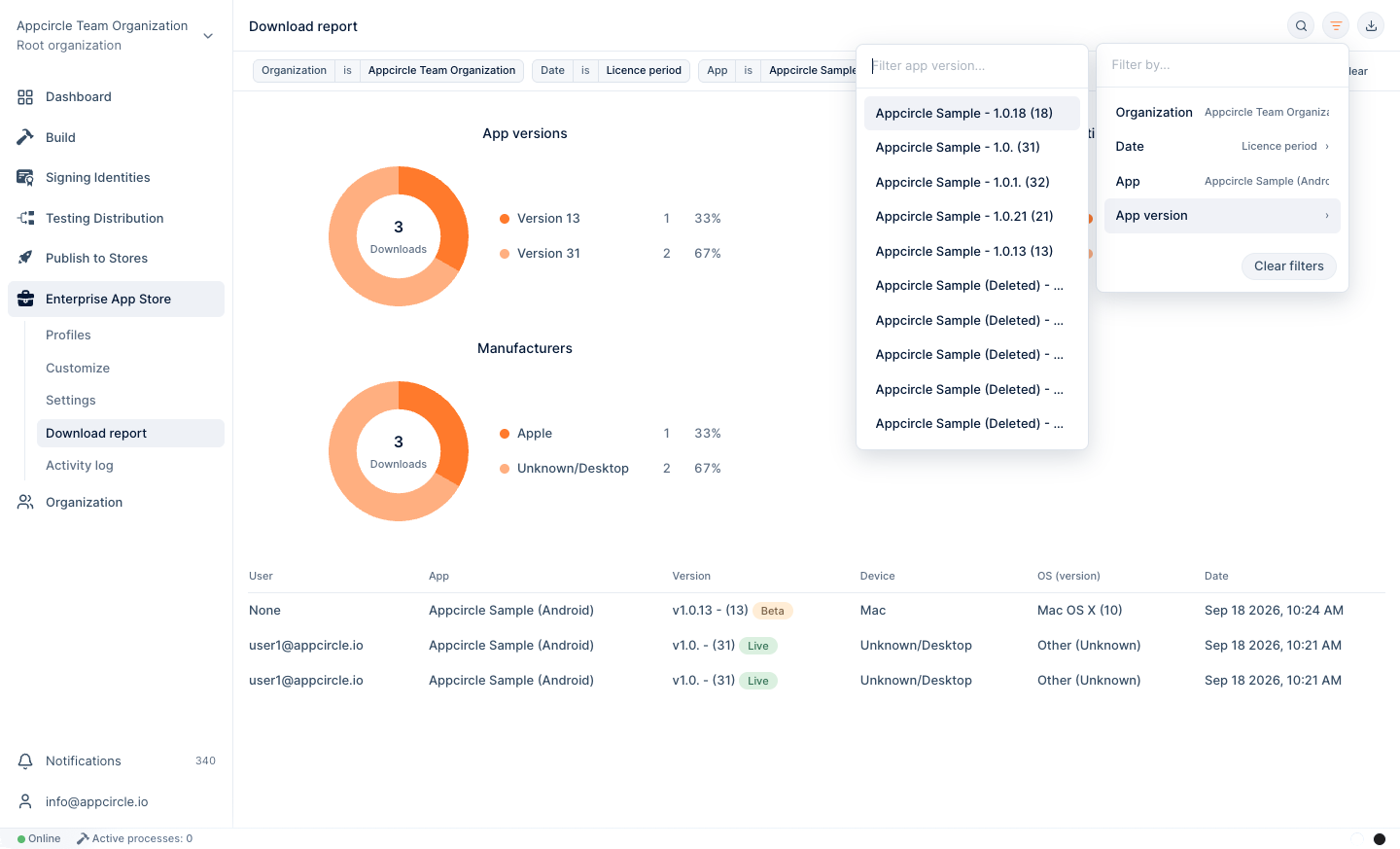
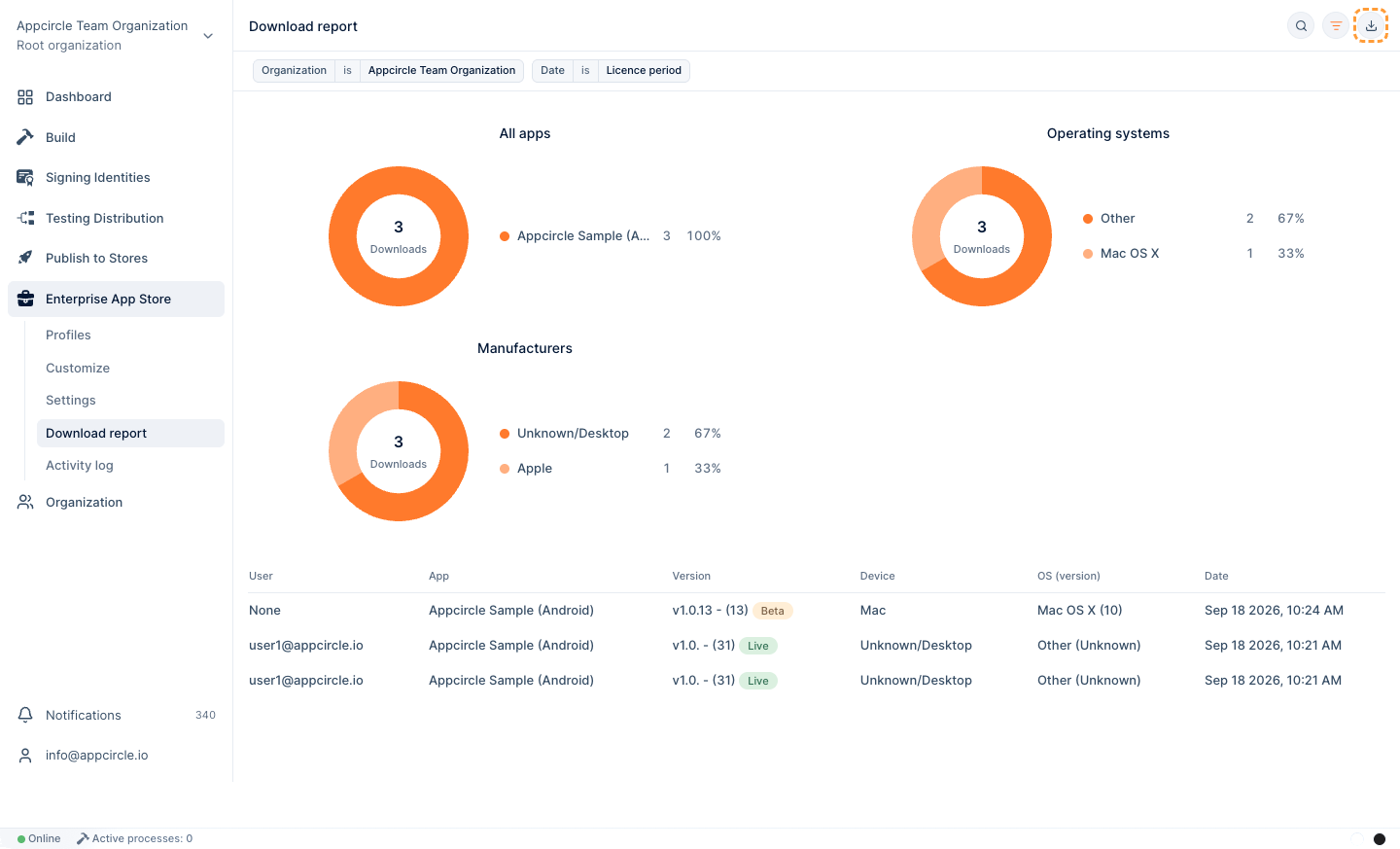
To view the download reports of your Enterprise Portal, go to Enterprise App Store > Download report. The Download report page shows the following data with a clear and concise user interface.
- App name
- Users
- Version
- Type of app (Live or Beta)
- User's Device
- User's OS
- Download Date
You can filter your results by organization, users, date, app version or app name. It is also possible to hide some entries from the pie chart by clicking on the legends.
info
In the filter options, you can only view and select the organization and sub-organization you belong to.
You can download the report as a .csv file by clicking the Export button.
caution
If you are working for a sub-organization, you can only see the reports of the applications belonging to that organization on the Download report page.